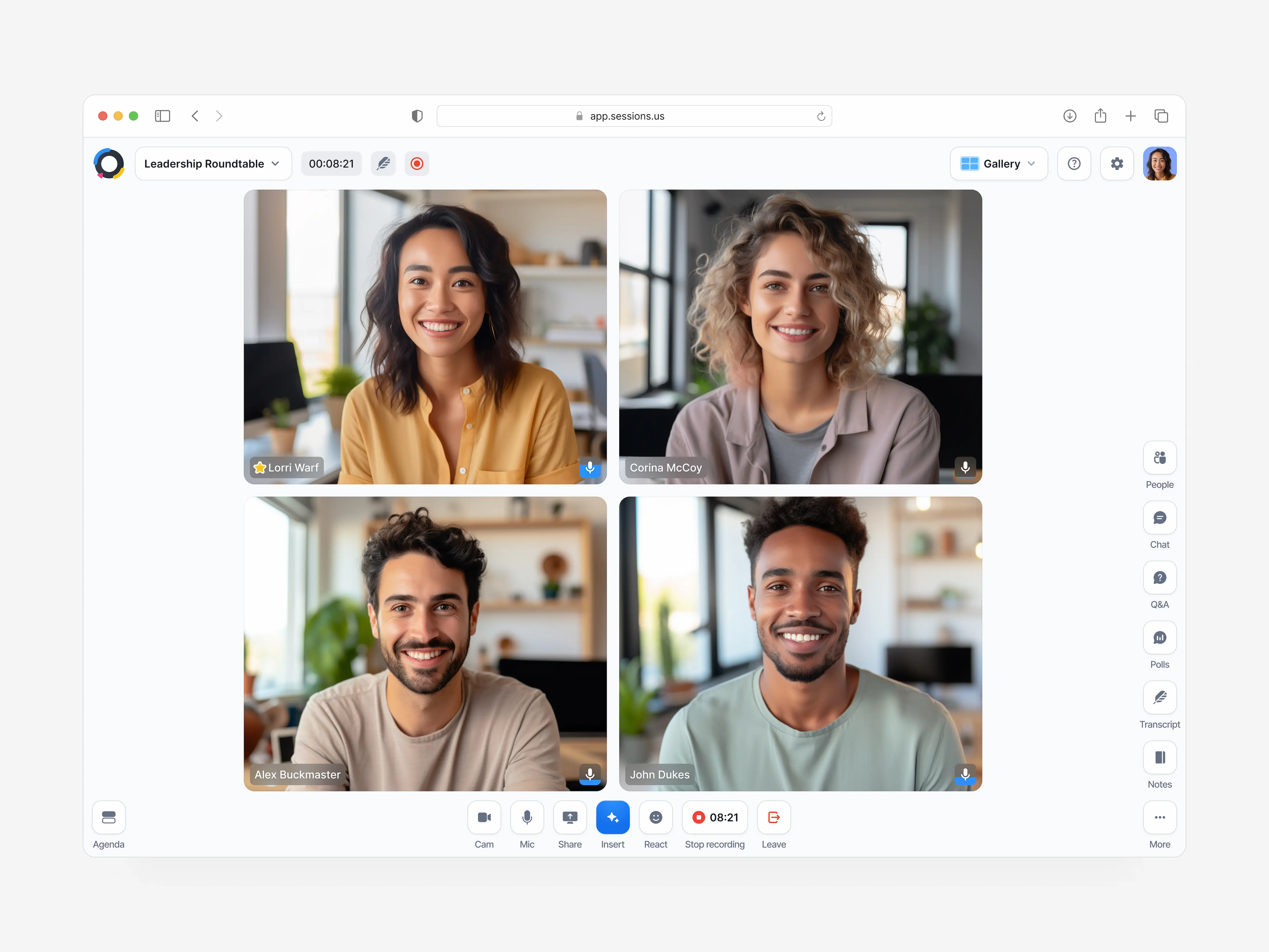
Sessions: Making live meetings easier to run
A host has more to do than stay on camera
Sessions brings meeting plans, shared resources and follow-up into one product. As founding designer, I designed its first version and built and led the design team.
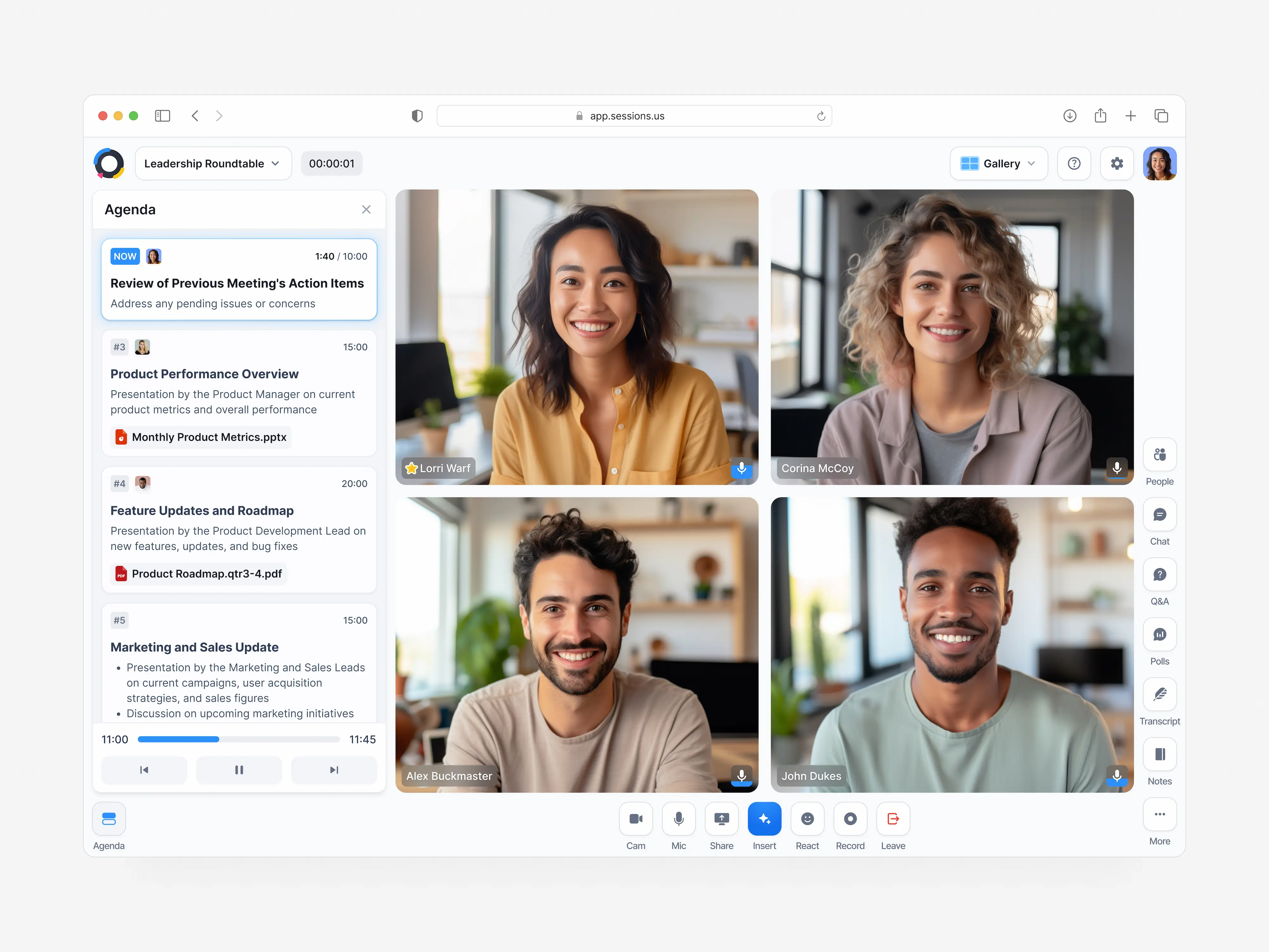
The challenge was helping hosts organise a meeting while leaving room for the conversation to change. Three decisions shaped that experience: a familiar agenda, quick access to resources and a record people could return to.
Let go of the timeline
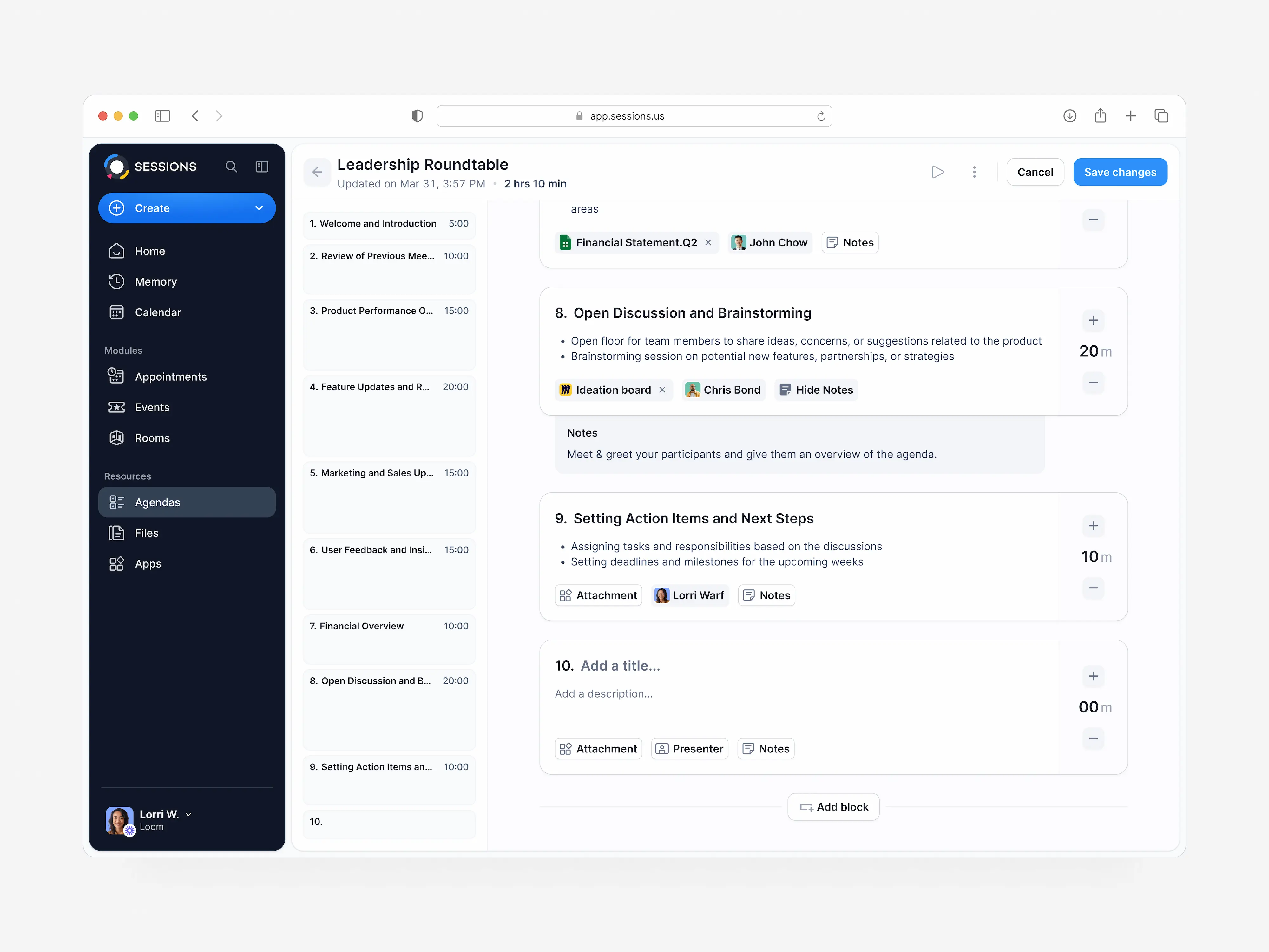
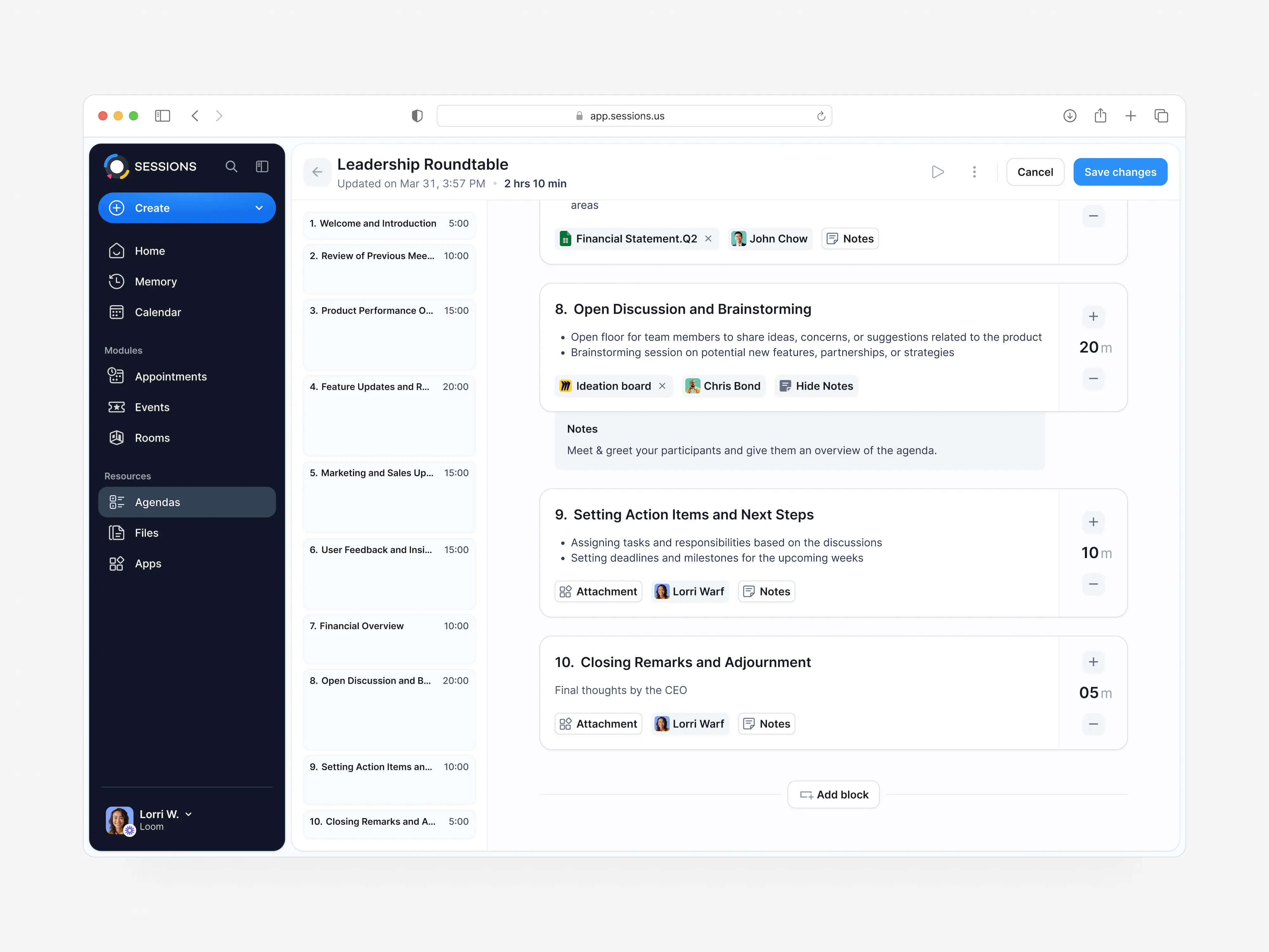
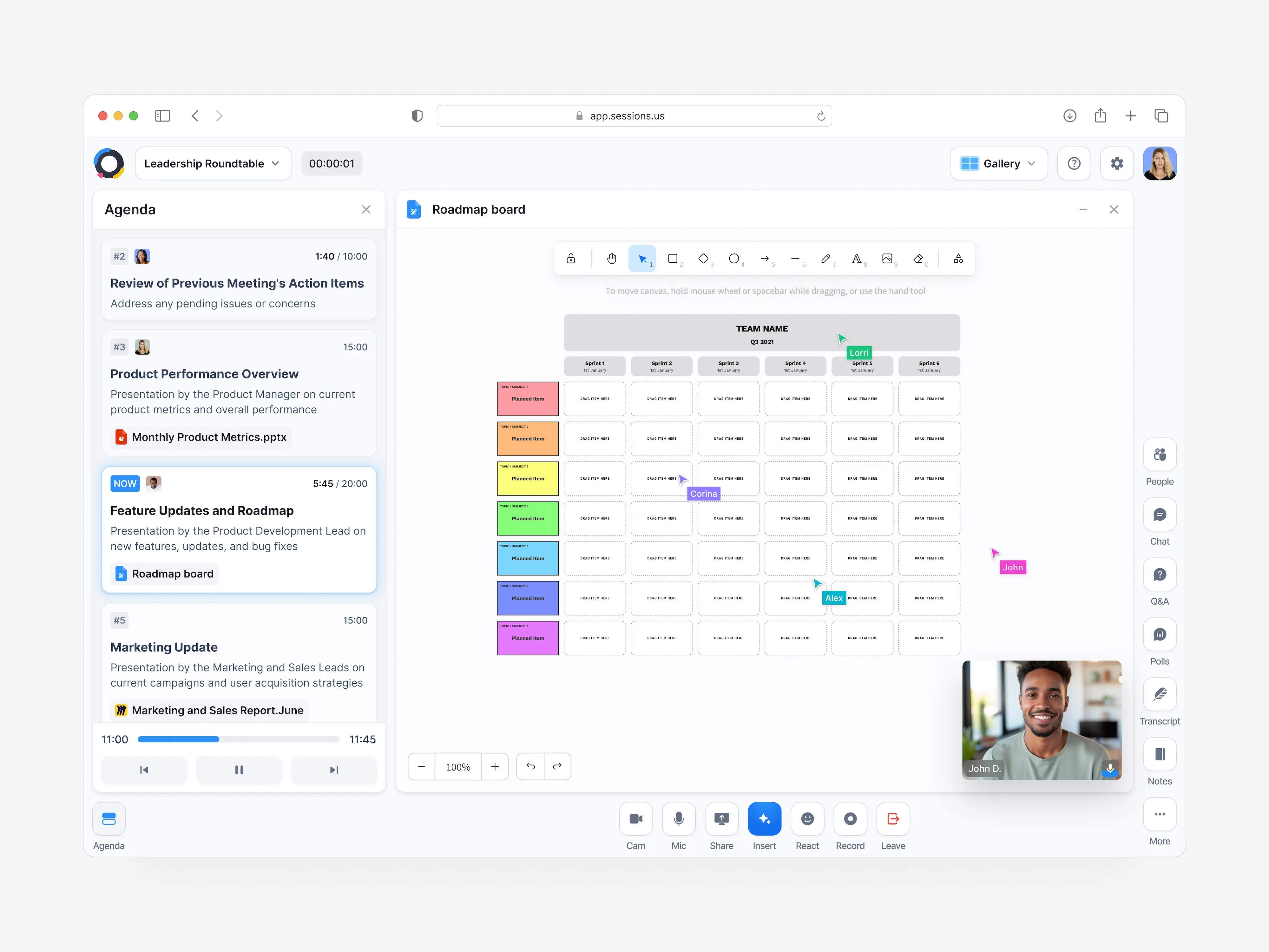
Our early agenda treated a meeting as a visual timeline. Research and testing showed that people preferred to organise it as a list. We changed the model to match how they planned their work.
A reusable UI kit let us revise the planner while keeping it consistent with the rest of the product. The key decision was to give up an appealing visual idea when it made a familiar task harder to understand.

Make space for the unplanned
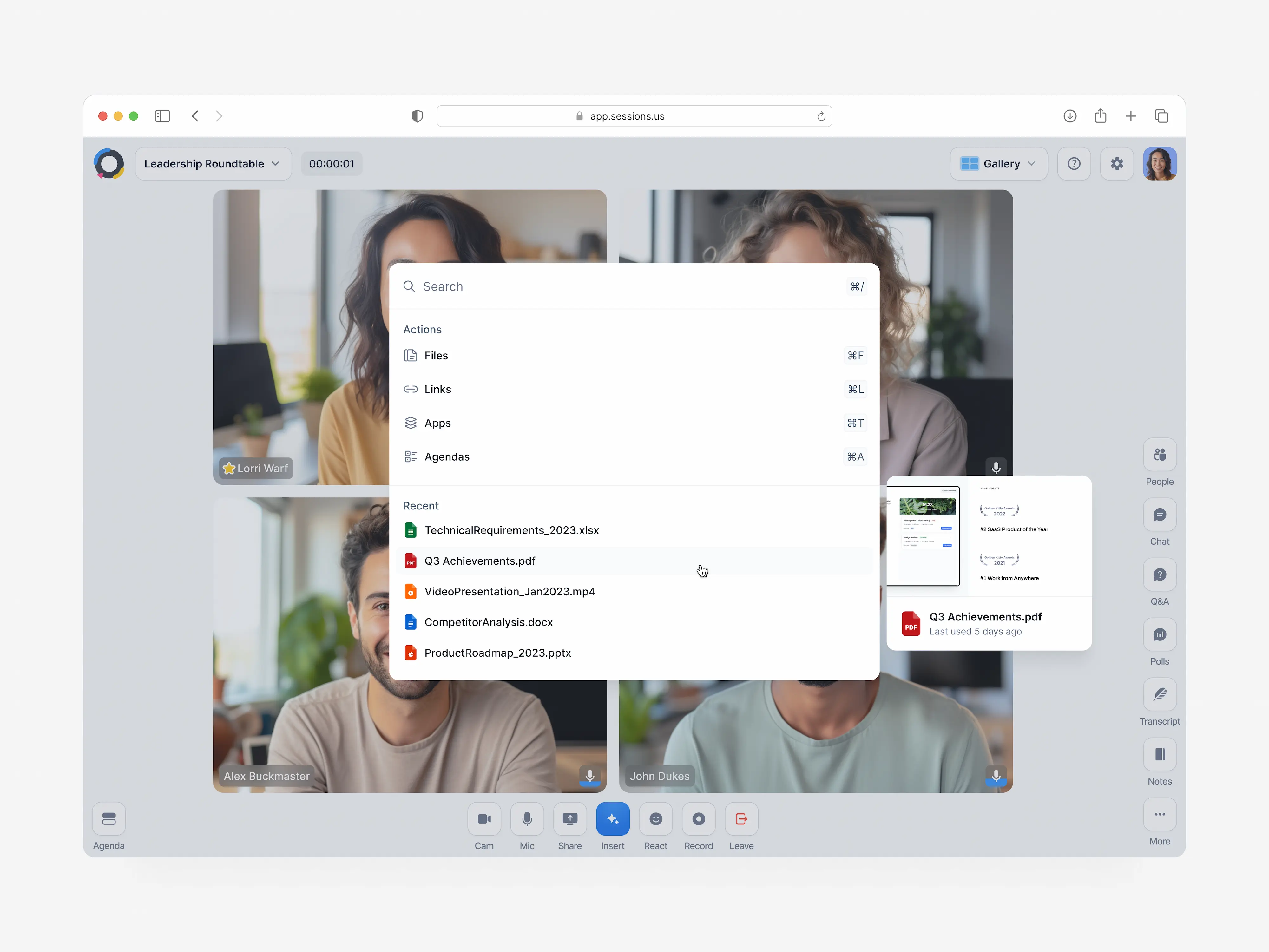
Embedding resources in the agenda worked for prepared meetings. It was less useful when someone needed a document in the middle of an unplanned conversation.
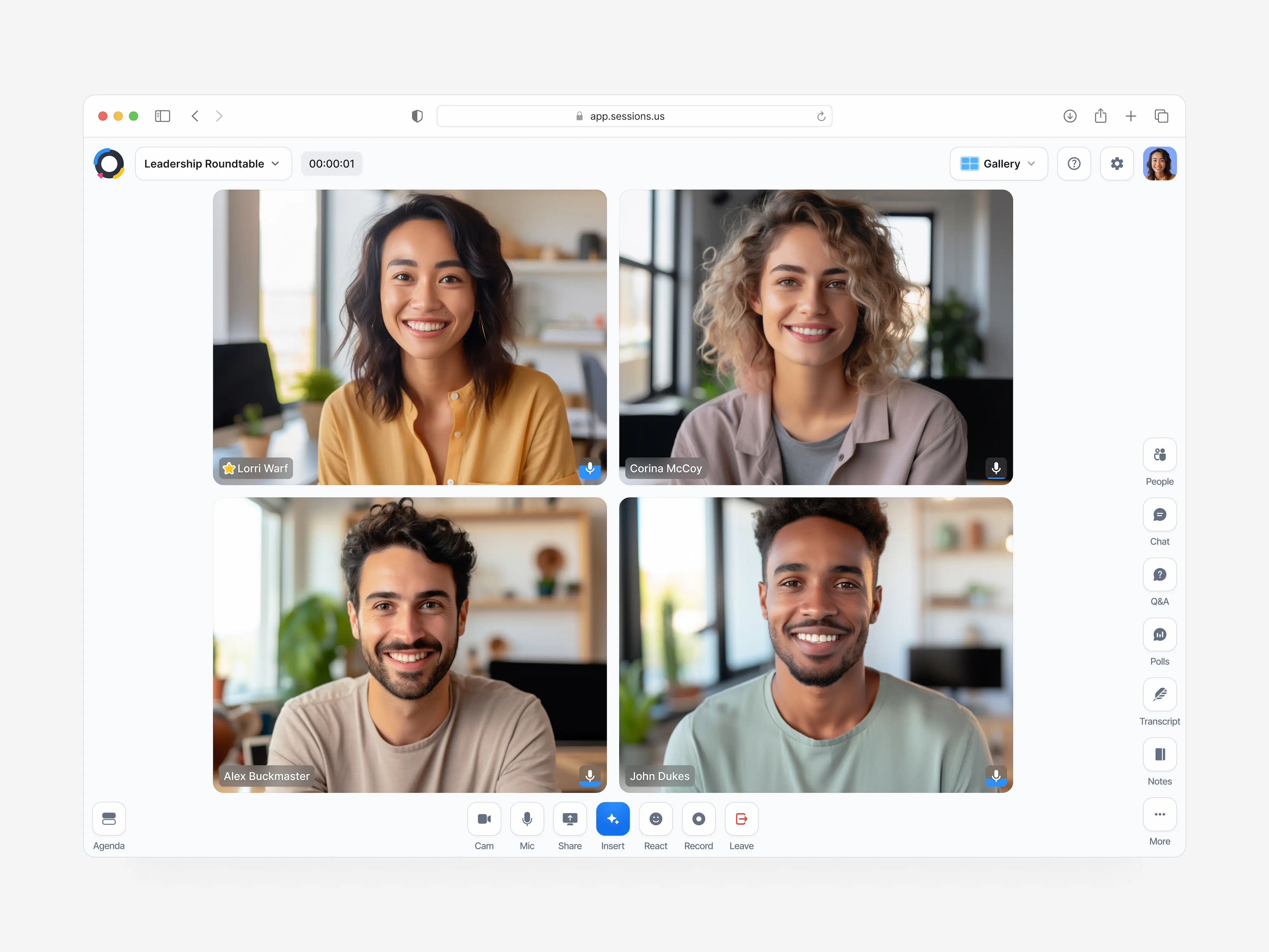
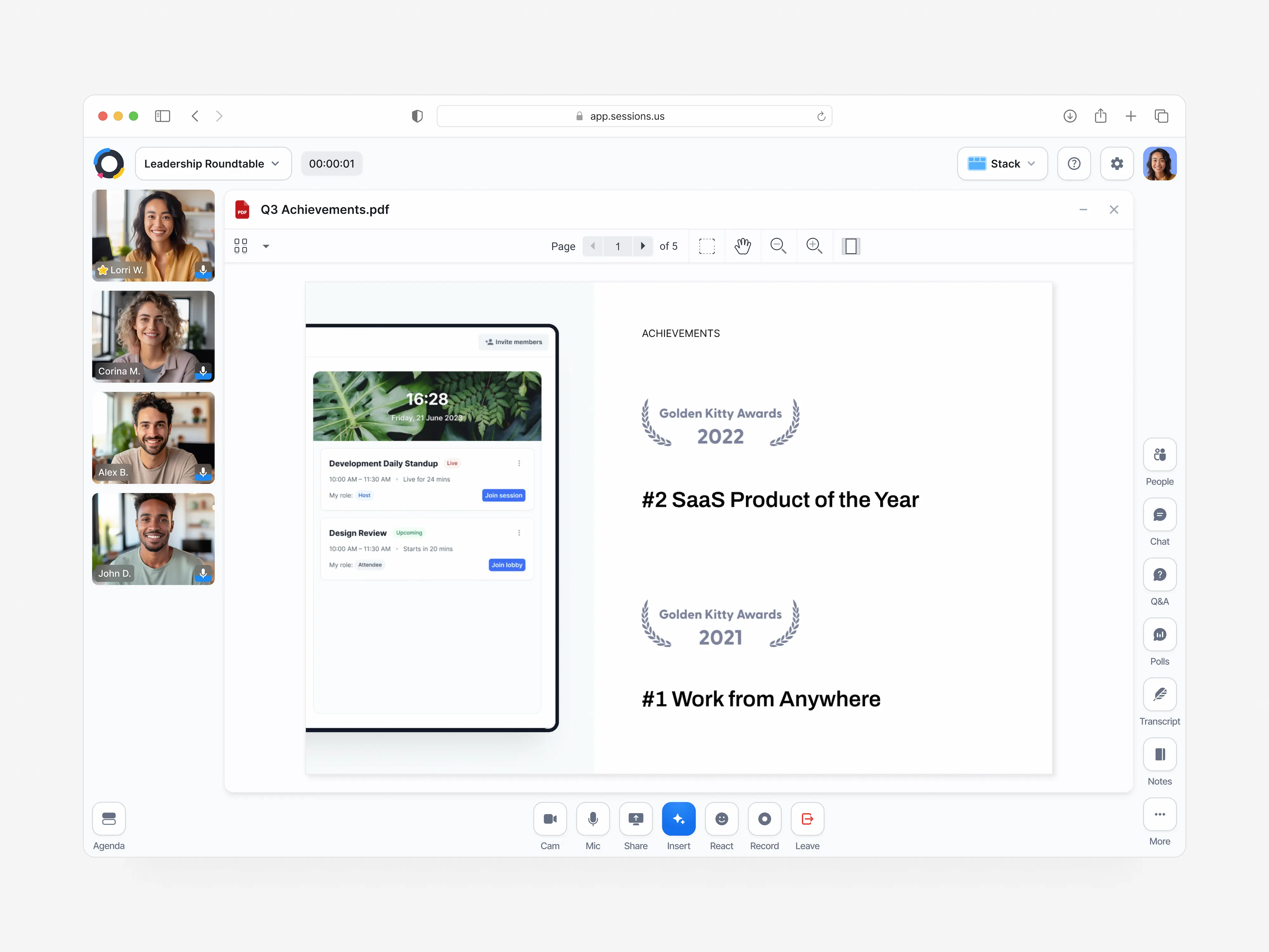
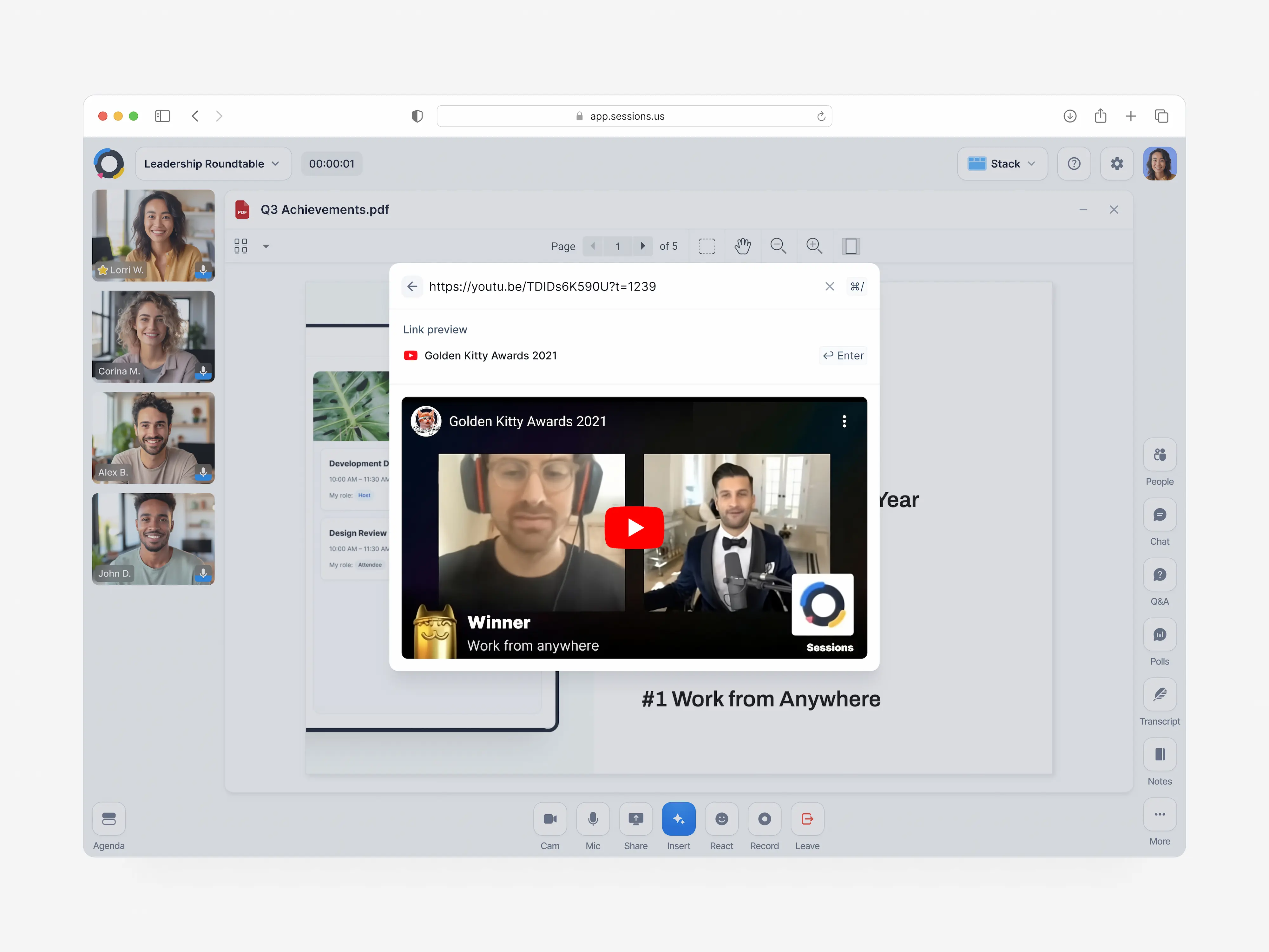
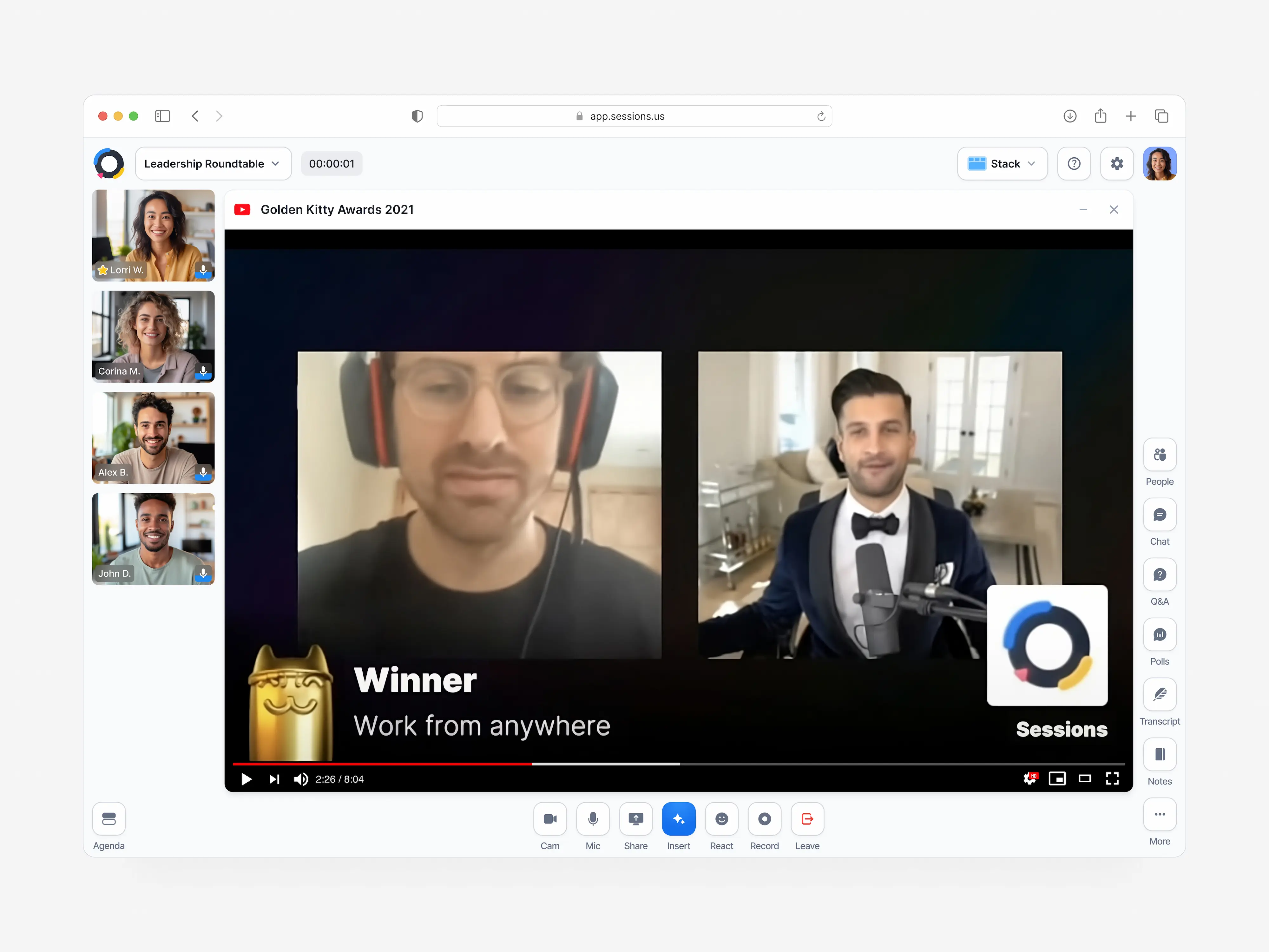
We introduced a command palette for finding and sharing resources during the call. Hosts could prepare content ahead of time or bring it in as the discussion developed.
Keep the useful parts after the call
A meeting’s information needed to survive the meeting itself. The history brought chat, poll results and other session material together, with keyword search for finding it again.
Hosts controlled access to that record. Follow-up was part of the same experience as preparation and the live call.
.webp)
.webp)
.webp)
.webp)
.webp)
Use testing to find the confusing parts
Usability sessions exposed unclear terms, navigation problems and difficulty with actions such as detaching content or adding a slideshow. These gave us specific parts of the experience to revisit.
The work connected a broad product vision to concrete interaction decisions. The agenda change is the clearest example: user feedback changed the structure of the product, beyond its visual treatment.